
Duoble · for Mac
A softer
way
to close.
A MacBook lid animation that folds, shades and softens your desktop as you close it.

Only for Mac. One purchase. No subscription.
Try it in your browser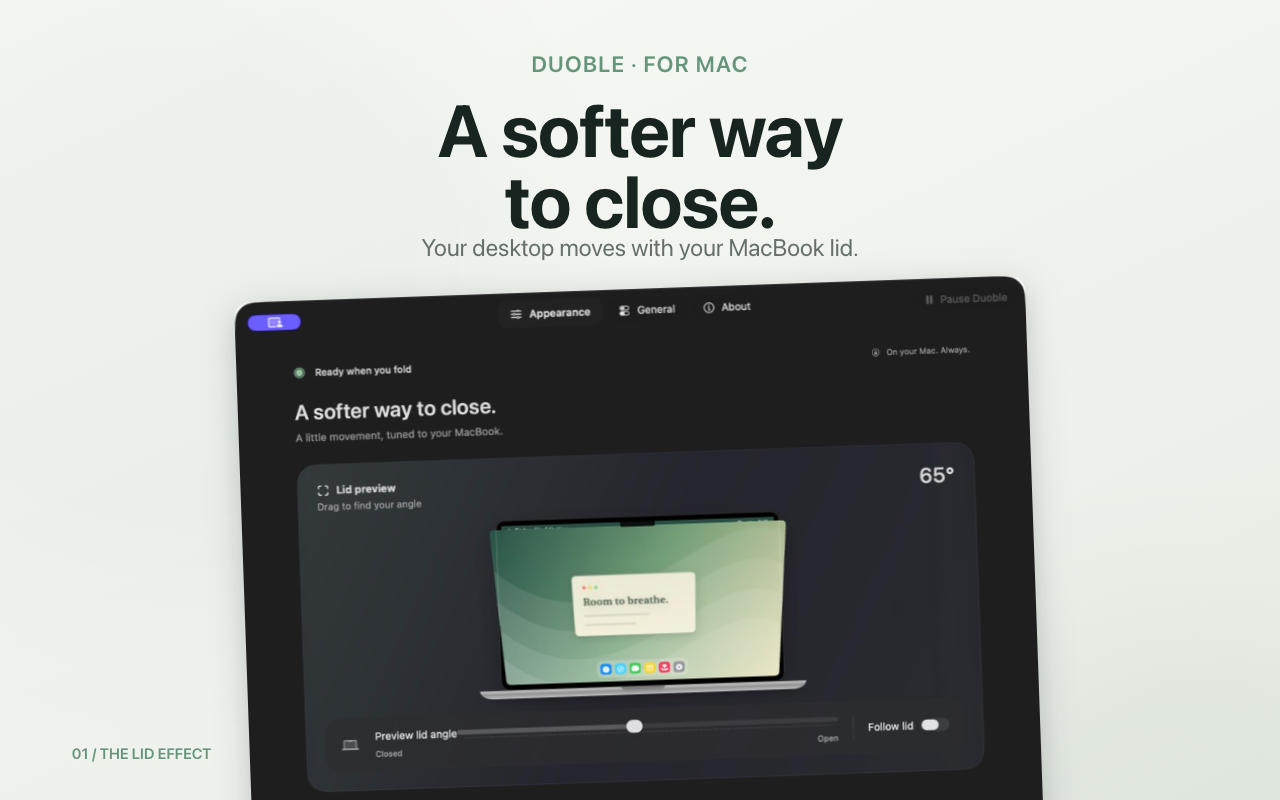
The lid effect
Your lid becomes
the timeline.
Lower it and the desktop recedes. Open it and everything settles back into place. No gestures to learn. No button to press.
Free browser simulator
Move the lid.
Watch it follow.
Choose an effect and drag the angle. This browser demo shows the visual idea without reading your lid sensor or capturing your screen.
Clear angle · effect resting
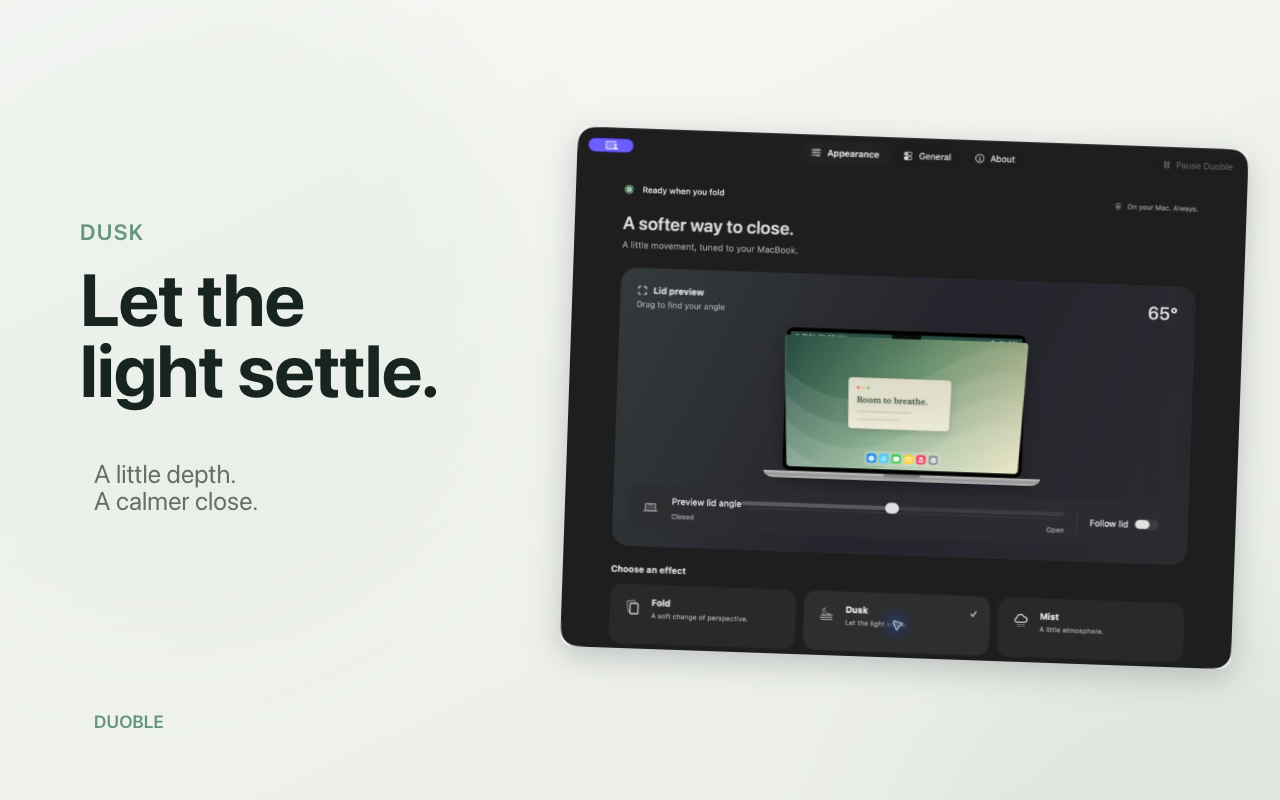
Dusk
Let the light settle.
Depth and shade build gently as the lid moves. The result feels physical without getting in your way.
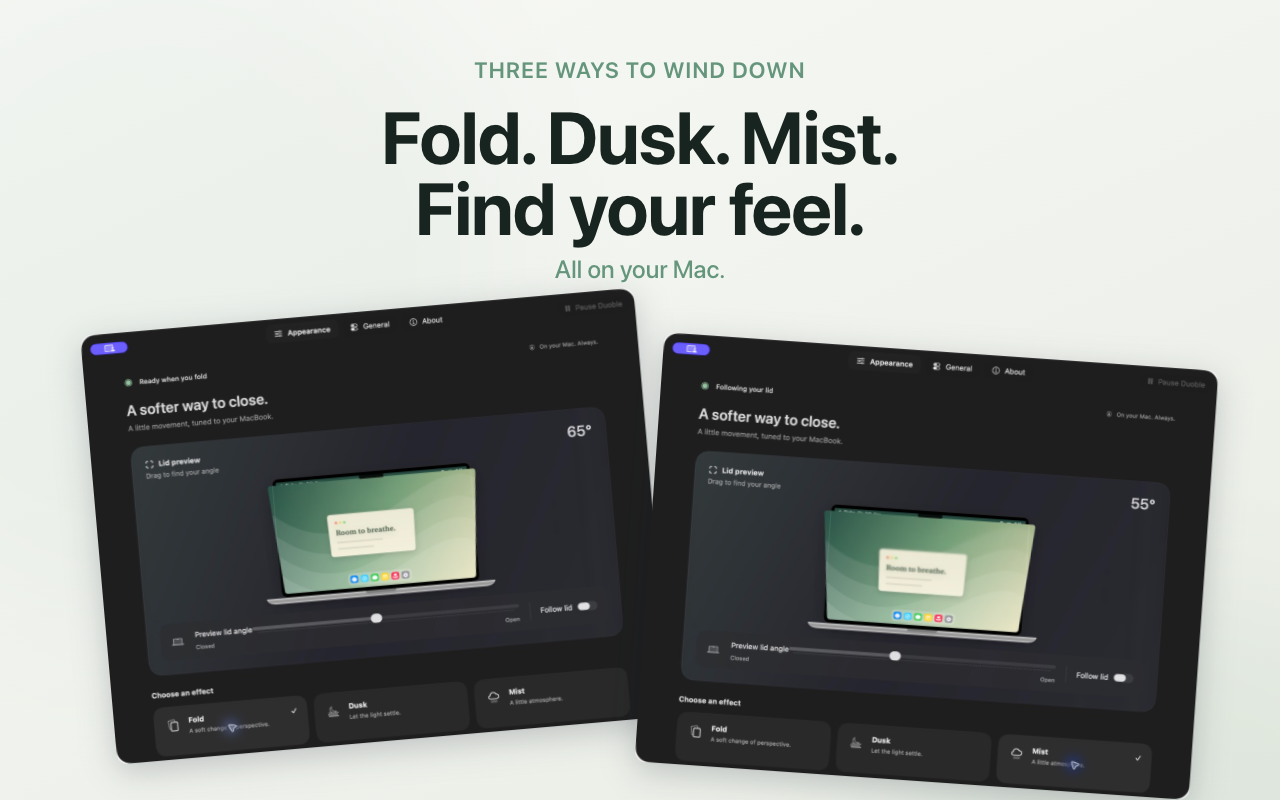
Three ways to wind down
Fold. Dusk. Mist.
Find your feel.
-
01
Fold
A quiet change of perspective.
-
02
Dusk
Let the light settle.
-
03
Mist
Progressive blur, from clear to cloudlike.
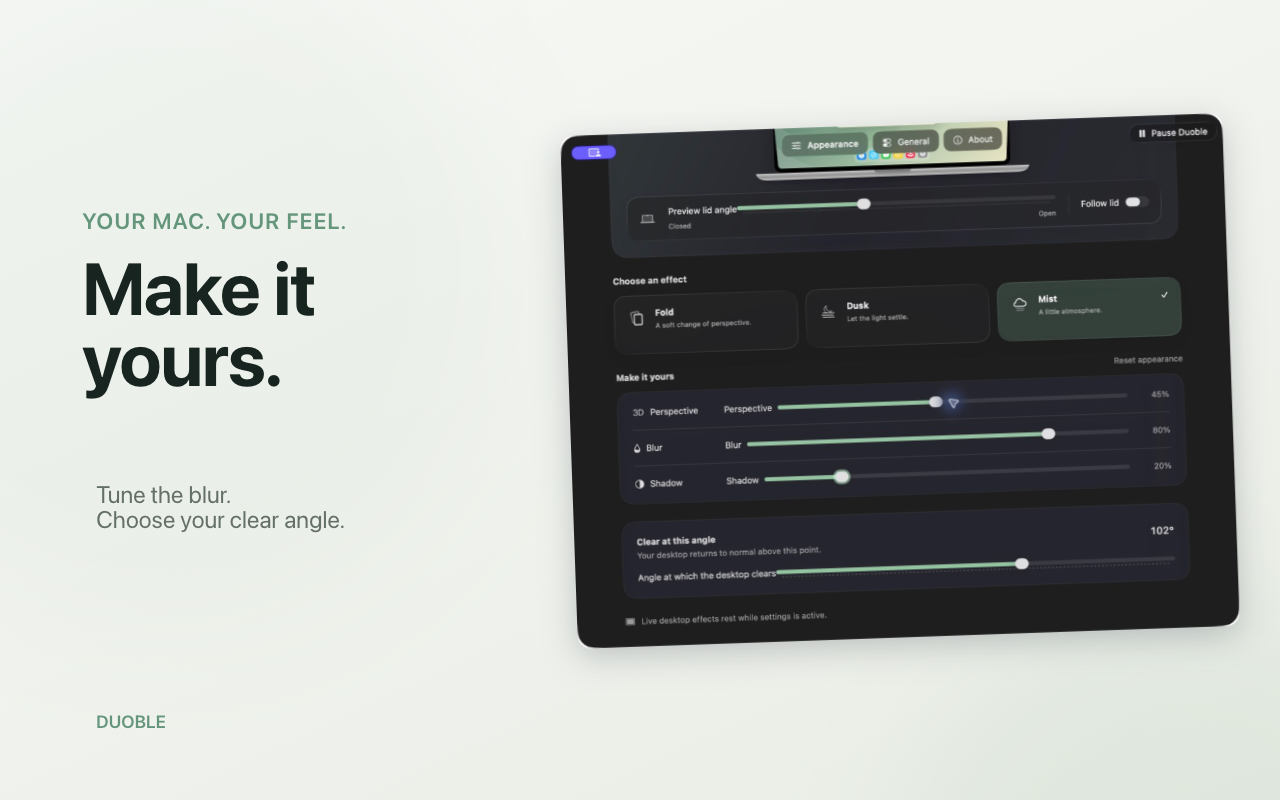
Your Mac. Your feel.
Tune the close.
Choose your clear angle, perspective, blur and shadow. Explore every setting in the manual preview before allowing screen access.
Private by design
Your screen stays
on your Mac.
Duoble processes screen frames locally in memory to draw the live effect. It does not save or upload them.
- No account
- No analytics or tracking
- No audio capture
- No ads
Before you download
Made for compatible Apple silicon MacBook models.
Live effects require macOS 14 or later, a working lid-angle sensor and an active, unmirrored built-in display. Sensor availability varies by model.
The manual preview works without Screen Recording permission or a compatible sensor.
Check compatibility and setupDuoble for Mac